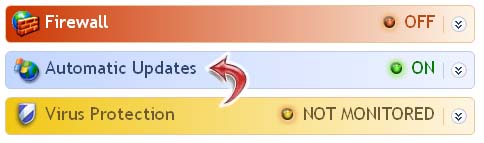
Cloudpath can detect the state of Windows Auto Update.
Supported settings include:
Enabled - Default. Auto Updates are considered enabled if the current configuration is anything other than 'Off'.
During auto remediation, Cloudpath will enable Windows Auto Update using the 'Automatic' setting. For manual remediation, Cloudpath contains a default help script and will also open the Windows Auto Update user interface page. By default, a new install of Windows will have Auto Update disabled, but the user will be prompted repeatedly to enable it.
Copyright 2006-2017 Ruckus Wireless Inc.
Use of this website signifies your agreement to the Terms & Conditions